FINANCIAL CLARITY
You already track what you spend. This is the part that tells you whether it's working.
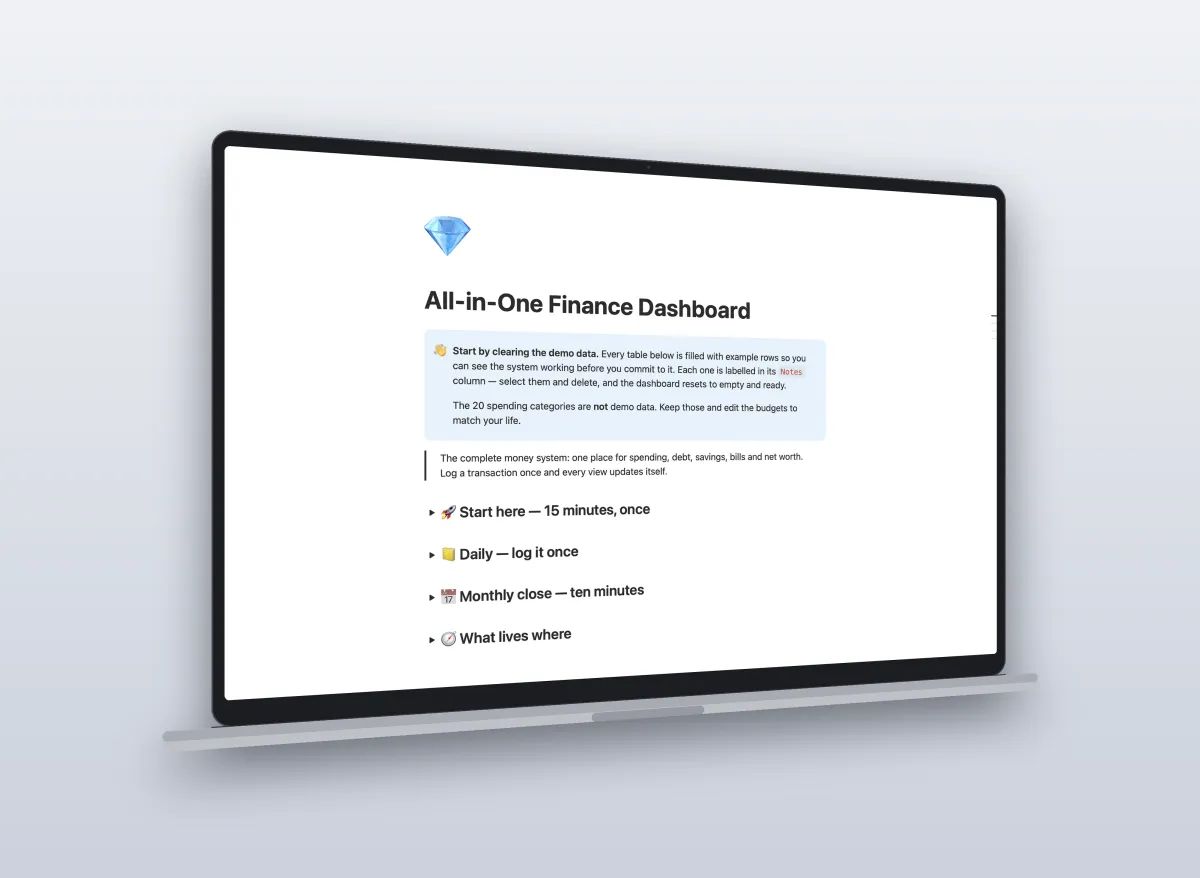
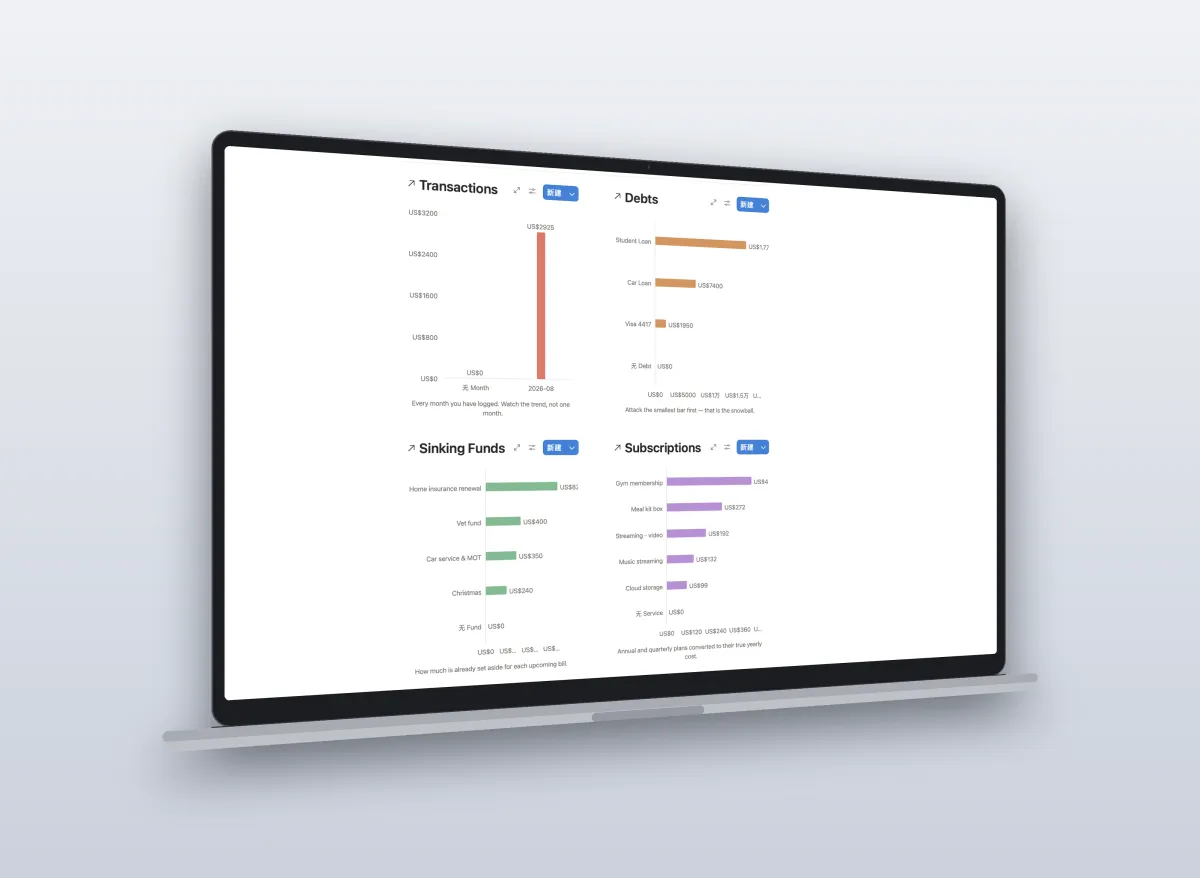
The Mini Dashboard showed you where the money went. The All-in-One Dashboard adds the four things it couldn't: your debt payoff order, your sinking funds, your real net worth, and the subscriptions quietly draining you — all reading from the same single table you already fill in.
One-time payment. Yours forever, including updates. Works on the free Notion plan.
THE PROBLEM
The reason budget templates get abandoned in week three
Most of them only answer one question: where did my money go last month?
That's a rear-view mirror. It tells you what already happened and nothing about whether you're actually getting anywhere. So you log diligently for three weeks, notice nothing is visibly changing, and stop.
What makes people stick with a system is seeing a number move in the right direction. A debt balance dropping. A sinking fund filling up. A net worth line that was flat in March and isn't in August.
That needs four things a single transaction log cannot give you — and that is exactly what this adds.
Eight connected tables. You only ever type in one.
📊
Transactions
The only table you touch daily. Every purchase, one row.
🧾
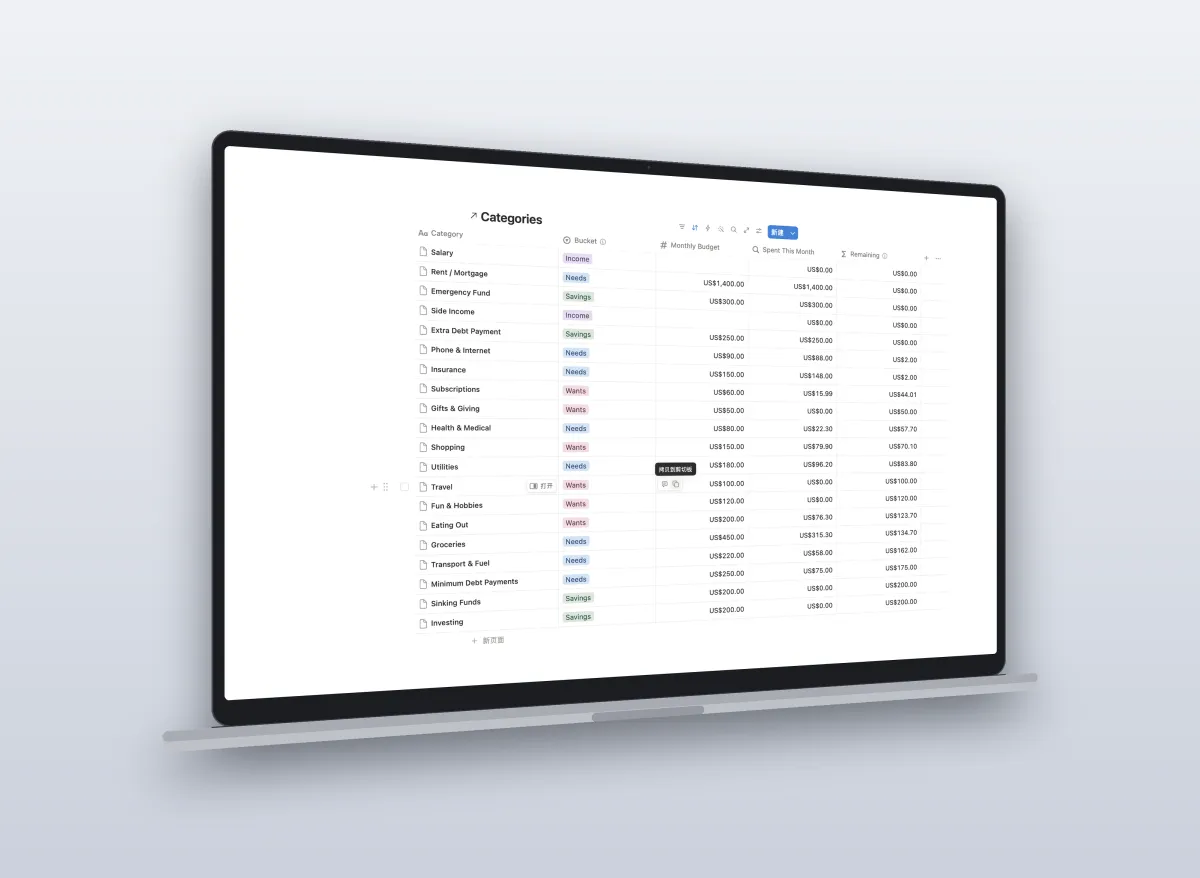
Categories
Budget vs actual for the current month, grouped 50/30/20. Updates the moment you log something.
🏦
Accounts
Every account in one place, assets and debts, feeding your net worth.
📈
Debts
Ordered smallest balance first — the snowball — with a payoff progress bar per debt.
💰
Sinking Funds
The bills that haven't arrived yet: car service, Christmas, insurance renewal.
💸
Bills
Monthly checklist so nothing gets missed
🔔
Subscriptions
Sorted by what each one actually costs per year. Annual and quarterly plans converted automatically.
🔐
Net Worth
One row a month. The line that tells you whether any of this is working.
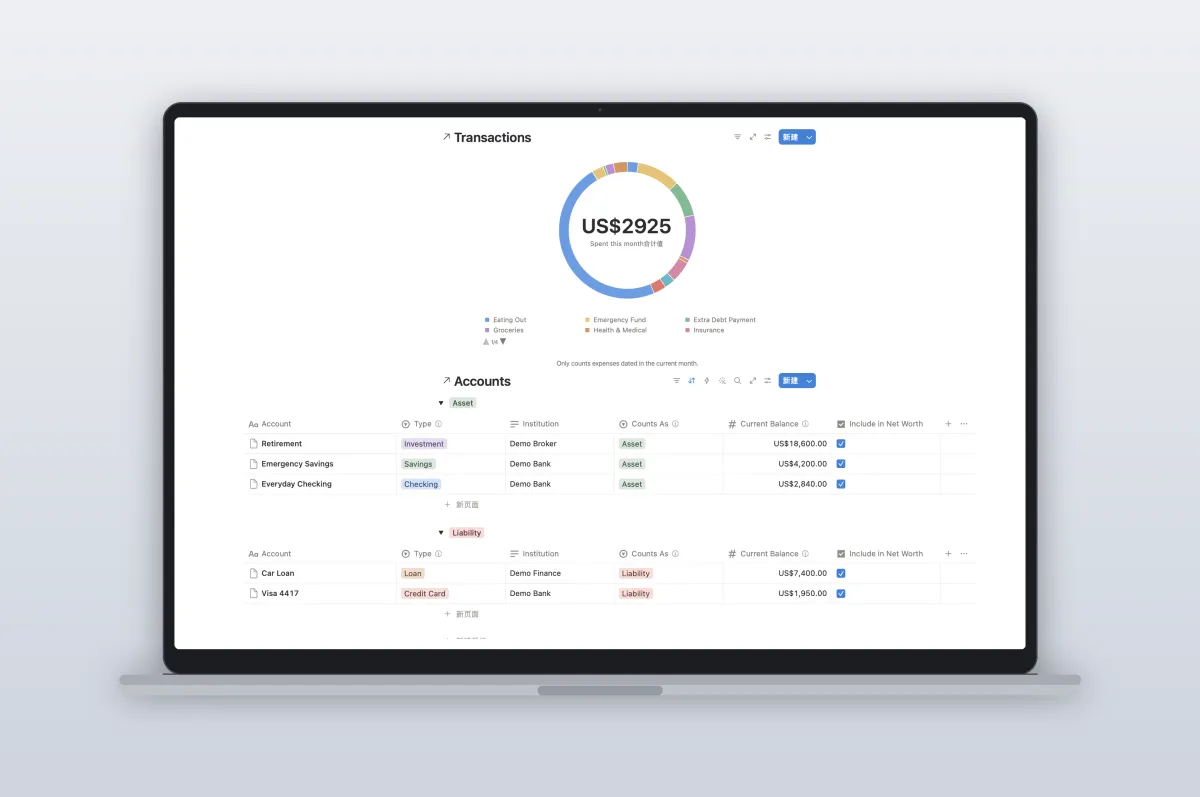
The comprehensive dashboard view gives you a complete financial snapshot at a glance.
Technical Aside
Spent this month" that actually means this month
Notion rollups can't filter by date. So in most budget templates, the "spent" column silently sums every transaction you have ever logged. The number only goes up, your budget looks blown by month four, and you quietly stop trusting it.
This one pushes the date test down onto each transaction before the rollup runs. Your category spend resets on the 1st, every month, without you doing anything.
We rebuilt the entire tracking engine from the ground up. By separating raw transaction data from the reporting views, this dashboard automatically categorizes, routes, and calculates your true net worth—without you ever touching a cell.
SCOPE & LIMITATIONS
Complete Transparency
We believe in being completely upfront about what our financial dashboard delivers—and just as importantly, what it doesn't do.
What's Included
- The full Notion template, duplicated straight into your workspace
Demo data in every table so you can see exactly how it behaves — clearly marked, delete it in one pass
20 pre-built spending categories, already grouped into needs / wants / savings
A start-here guide and a ten-minute monthly close checklist built into the page
Honest Limitations
- It doesn't connect to your bank. Nothing on Notion does. You log transactions yourself — about two minutes a day.
- It's not an app. It's a Notion template. If you don't use Notion, this isn't for you.
- You update account balances by hand, once a month at close. That's the trade for having everything in one system you fully control.
No subscription. Updates included.
$29 once
If you use it for two weeks and it hasn't made your money clearer, reply to the receipt and I'll refund you. Keep the template.
Common Questions
Everything you need to know about the system before making a commitment.
Do I need a paid Notion plan?
No. Everything works on the free personal plan.
How do I get it?
You'll get a link right after checkout. Click Duplicate, and the whole system copies into your own workspace. It's yours — edit anything.
I already have the free Mini Dashboard. Is this different?
Yes. The free one is a single transactions table with 50/30/20 targets. This adds debts, sinking funds, bills, subscriptions, accounts and net worth, all wired together, plus the dashboard views. You can keep using both; nothing carries over automatically, so most people just switch.
Can I use this with a partner?
Yes. Share the page in Notion and you both log into the same tables.
What if I've never used Notion?
The start-here guide walks through the fifteen minutes of setup. If you get stuck, message me.